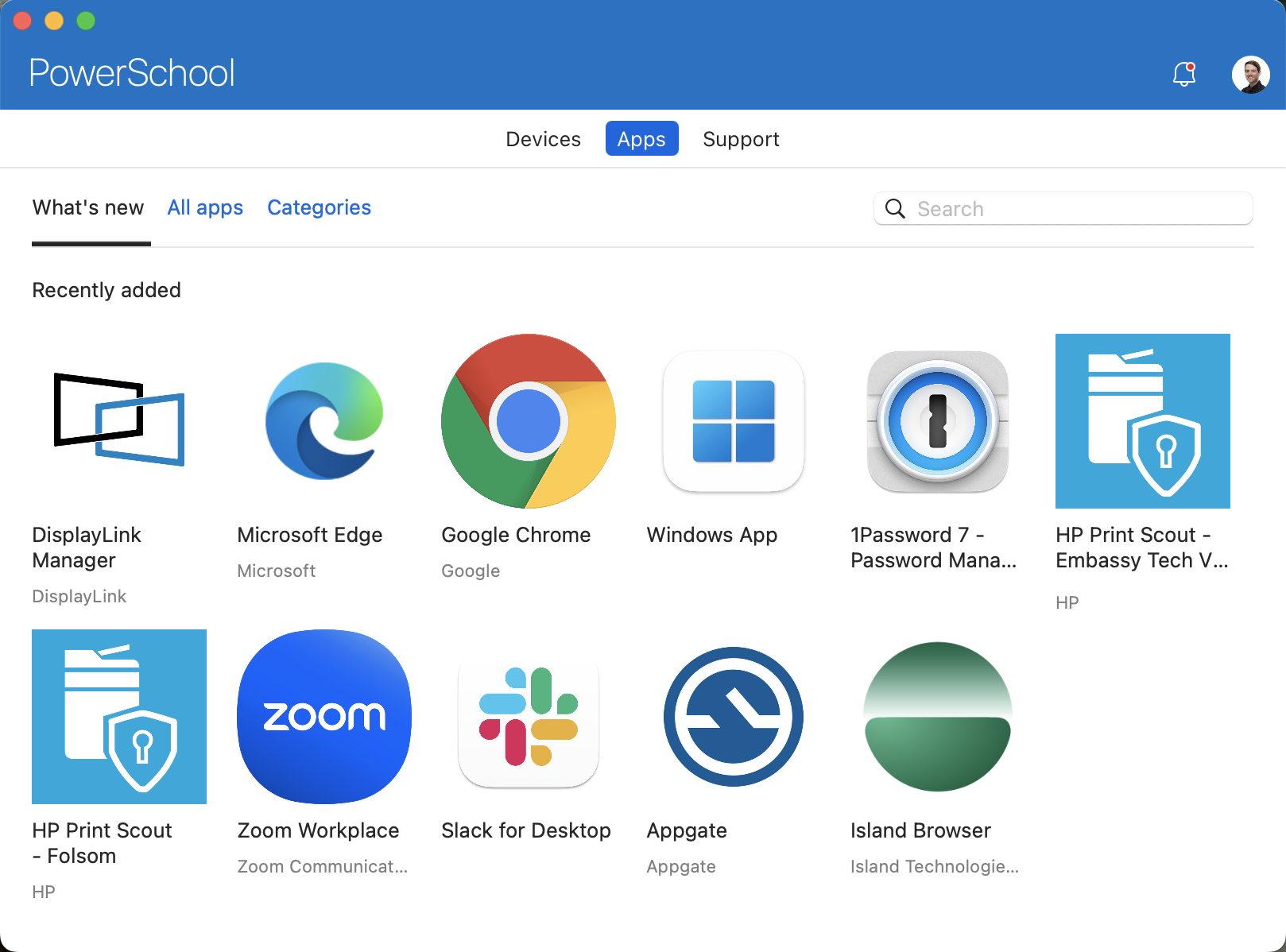

SETTING UP YOUR NEW MACBOOK AND GENERAL INSTRUCTIONS
Before starting, please make sure you have a stable network connection.


First, select your region and keyboard language and connect to a network. Once you have connected to a network, you will be asked to sign in.
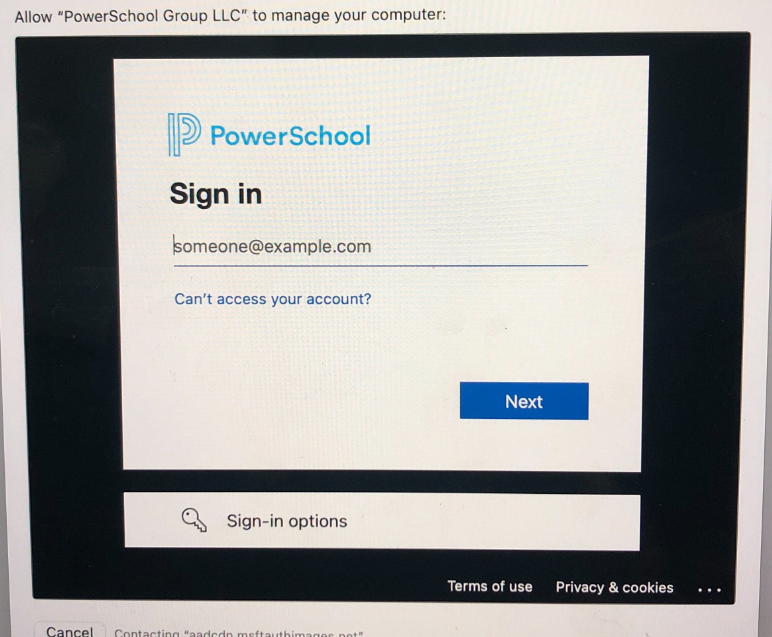
Your email address is your PowerSchool SSO Account username (i.e. first.last@powerschool.com)
Enter your current PowerSchool SSO account password

Once Remote Management completes the process. It’ll take you to complete the rest of the setup.
When asked to create a password for your MacBook account, we recommend using your current PowerSchool SSO account password.
Once you are to the desktop, look for the Company Portal app and sign in to view your devices status and to download more apps. You can also download apps from the Apple App Store as needed.